
Basetao Spreadsheet
Find a product, check the seller and take the same order details through QC, shipping and delivery.
Browse the categories
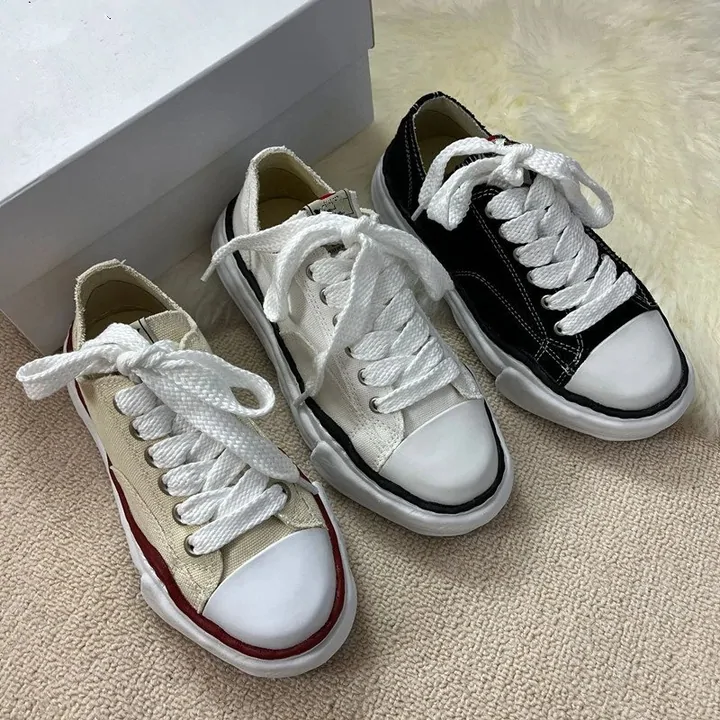 SneakersCategory
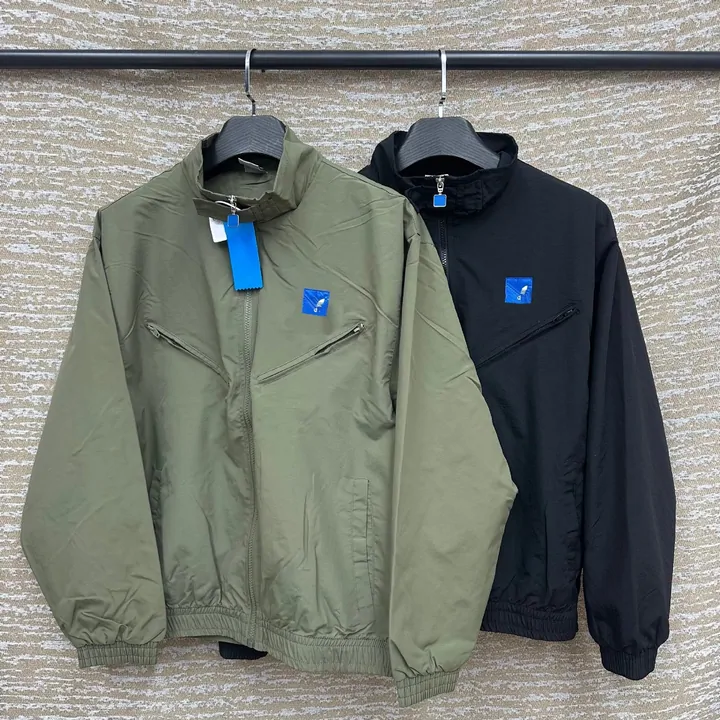 Jackets & CoatsCategory
 HoodiesCategory
 T-ShirtsCategory
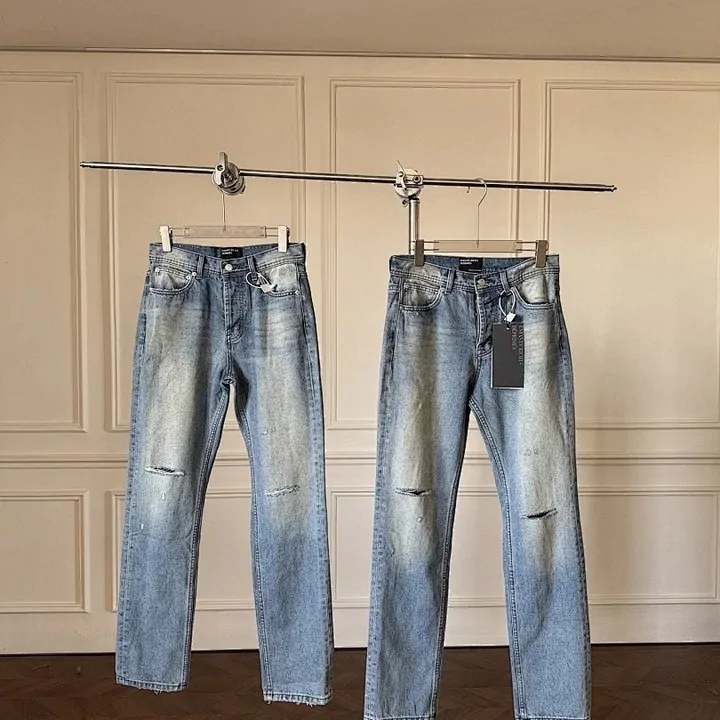 JeansCategory
 SweatpantsCategory
 BagsCategory
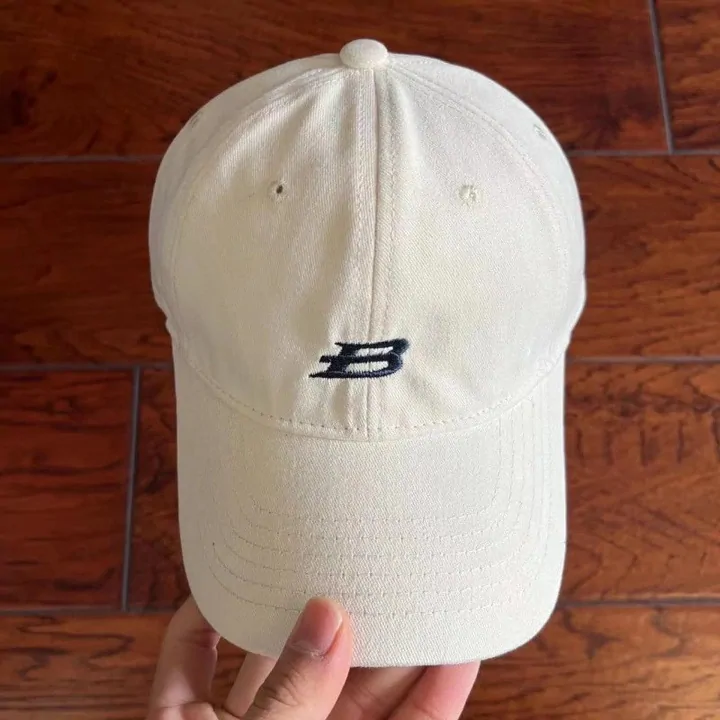 HatsCategory
Browse all 16 categories — including jewellery, eyewear, watches and electronics.
What is Basetao Spreadsheet?
A product-link catalogue that helps you find an item and reach its original seller. Check the exact option and current offer there; this guide does not take your buying payment.
About the Spreadsheet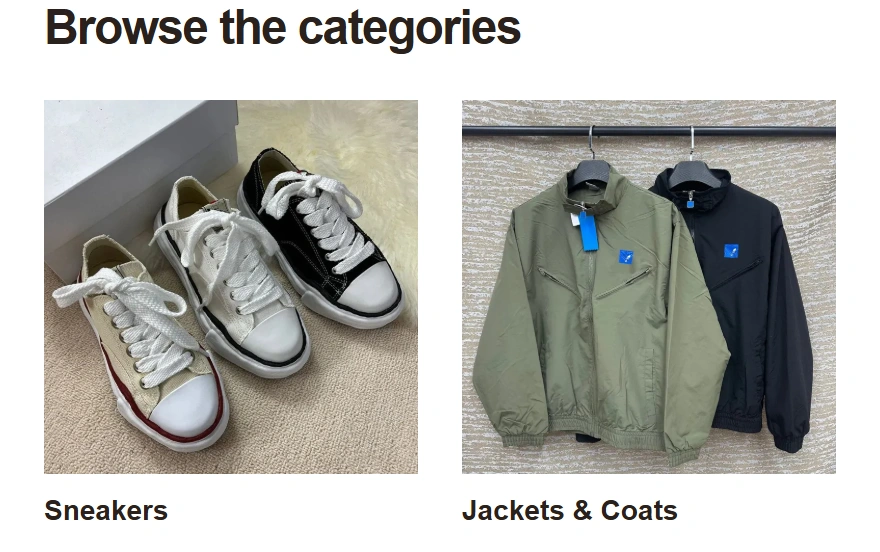
Why use this Basetao Spreadsheet?
Keep discovery, an order note, warehouse checks and three cost tools in one connected guide. Use your own figures; stock and freight quotes are not live.
What this guide providesWhat is Basetao?
A shopping and forwarding agent. You select the seller and item; Basetao buys it, receives it at a warehouse and arranges the shipment you approve.
Buying and forwarding explained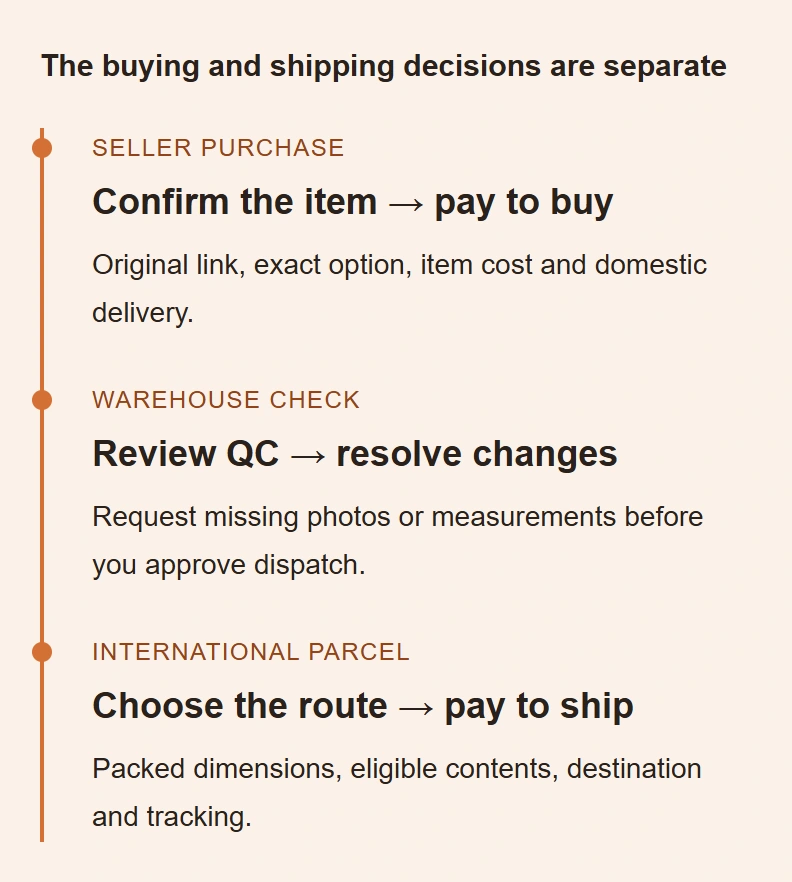
Why choose Basetao?
Buying, forwarding, measurement requests and combining or splitting orders can suit a multi-seller purchase. Confirm your item, inspection needs and current charges before choosing.
Check whether Basetao fitsGuide & tools
Open the instructions for your next decision. The full guide keeps product, seller and agent checks alongside costs, packing and delivery.
Explore the buying guide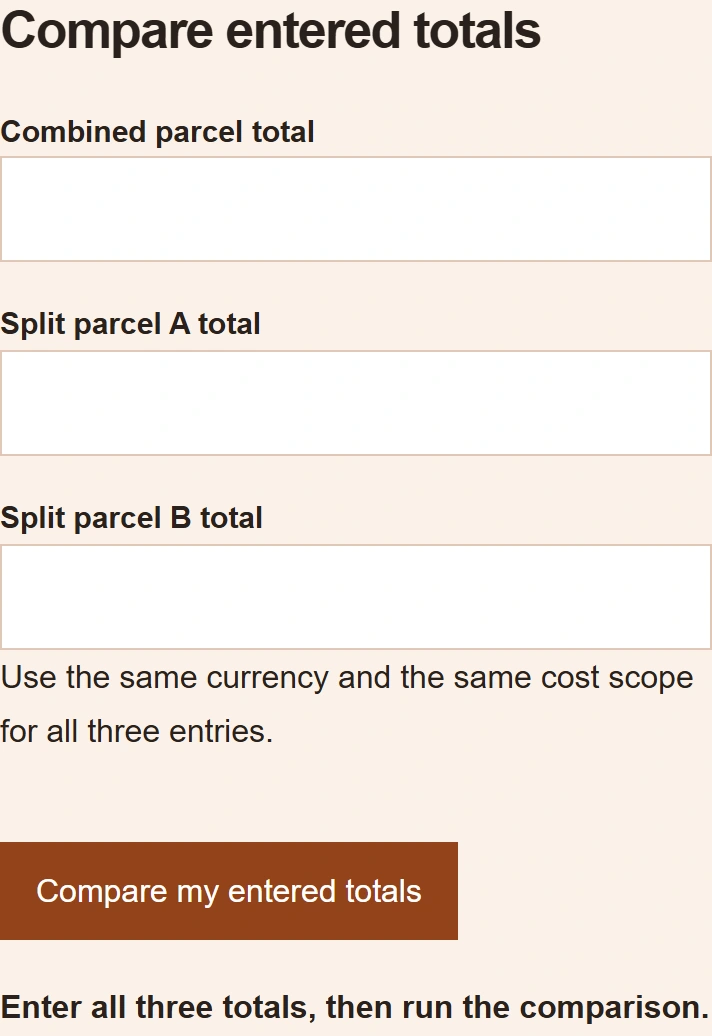
- Budget & calculators Six cost components, combined versus split parcels and the rate on your receipt.
- QC & packing Compare the item, request a missing measurement and settle returns before dispatch.
- Shipping & tracking Review the packed quote, route requirements and the evidence to keep through delivery.
Help Center & FAQ
For an order problem, contact Basetao through your account with the order or parcel number and relevant evidence. This catalogue cannot alter orders.
Common questions
Guide updates · 10 October 2026
Dated notices and community examples, with their limits.